
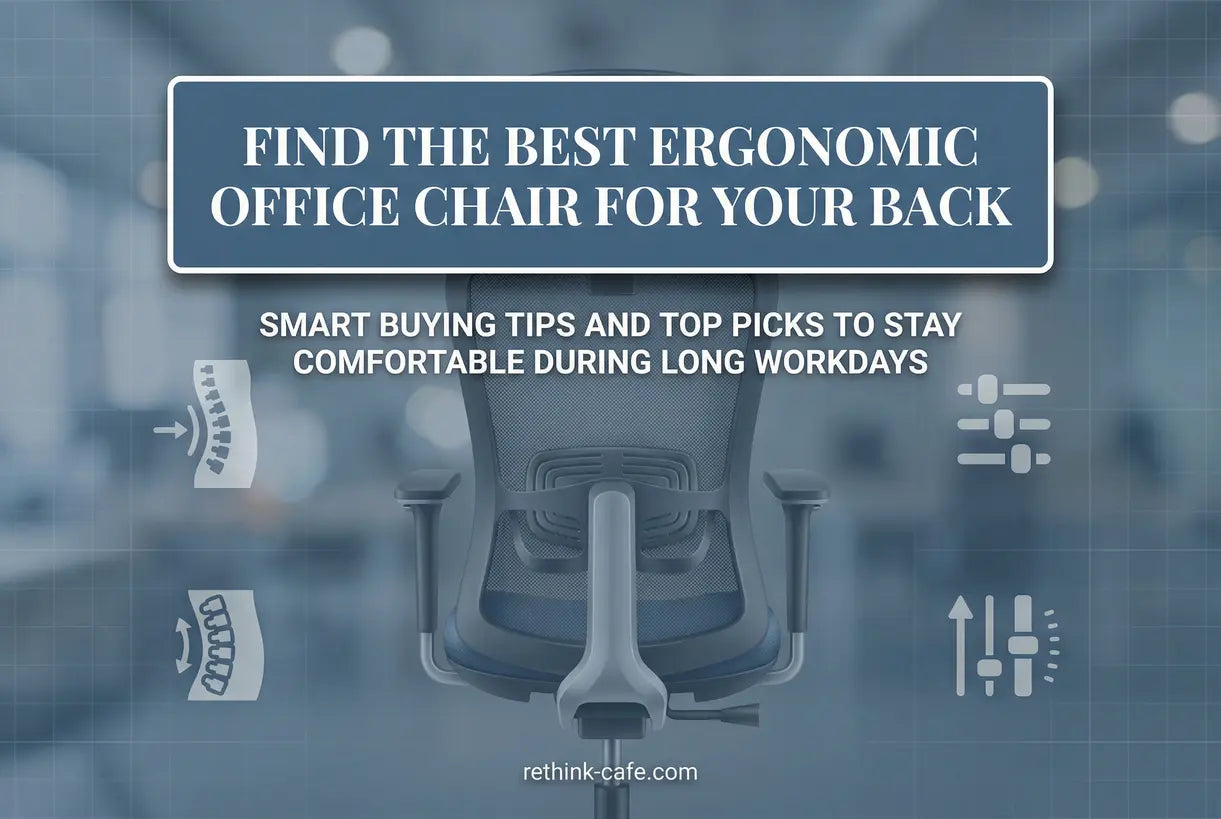
Back pain affects millions of office workers every year, and your chair might be the culprit. If you spend eight hours or more sitting at a desk, the wrong seating can wreak havoc on your spine, shoulders, and hips. Choosing the right ergonomic office chairs isn't just about comfort—it's an investment in your long-term health and productivity.
In this comprehensive guide, we'll explore what separates a standard chair from a truly ergonomic one, the essential features that prevent back pain, and how to select the perfect seating solution for your workspace. Whether you're dealing with chronic discomfort or simply want to upgrade your setup, understanding these key elements will help you make an informed decision.
What Makes an Office Chair Truly Ergonomic?
Not every chair marketed as "ergonomic" lives up to the name. A genuinely ergonomic office chair is engineered to support the natural curvature of your spine while promoting dynamic movement throughout the day. Unlike standard seating that forces your body into static positions, ergonomic designs adapt to your unique body dimensions and work habits.
The primary distinction lies in adjustability. While a basic chair might offer seat height adjustment, a true ergonomic model provides multiple customization points—lumbar support depth, armrest positioning, seat pan depth, and tilt tension. These adjustments allow you to fine-tune the chair to your specific body type, ensuring that your spine maintains its natural S-curve rather than flattening or over-arching.
Key Features to Look for in an Ergonomic Office Chair
When shopping for the best office chair for back pain, certain features are non-negotiable. Understanding these components will help you evaluate options objectively and avoid paying premium prices for marketing gimmicks.
Adjustable Lumbar Support
The lumbar region of your spine naturally curves inward, and without proper support, this curve flattens under body weight, straining muscles and discs. Look for chairs with adjustable lumbar support that allows you to modify both the height and depth of the support cushion. Some advanced models even offer dynamic lumbar systems that adjust automatically as you shift positions.
Seat Depth and Width Adjustability
Proper seat depth ensures you can sit with your back against the lumbar support while maintaining a small gap between the back of your knees and the seat edge—typically two to three fingers' width. An adjustable office chair with seat slide functionality accommodates different thigh lengths, preventing pressure on the backs of your legs that can restrict circulation.
Armrest Customization
4D armrests that adjust in height, width, depth, and pivot angle allow you to position your arms so shoulders remain relaxed while typing. This prevents the hunched posture that leads to neck and upper back tension. Look for padded armrests that support your forearms without creating pressure points.
Mesh vs Upholstered: Choosing the Right Material
The material of your ergonomic desk chair affects both comfort and durability. Modern office chairs typically feature either mesh backs, upholstered fabric, or leather surfaces—each with distinct advantages for different work environments.

Mesh chairs have gained popularity for their exceptional breathability. The suspended mesh material conforms to your back while allowing air circulation, preventing the heat buildup that causes discomfort during long sessions. This makes mesh ideal for warm climates or users who tend to run hot. However, lower-quality mesh can sag over time, so look for high-tensile strength materials backed by substantial warranties.
Upholstered and leather chairs offer a more traditional aesthetic and plush cushioning that some users prefer. Memory foam seats distribute weight evenly and provide that "sink-in" comfort. These materials work well in professional settings where appearance matters, though they require more maintenance and may retain heat. For the best of both worlds, consider hybrid designs with mesh backs and cushioned seats.
How Ergonomic Chairs Transform Your Posture and Reduce Pain
Understanding the biomechanics of sitting reveals why lumbar support chairs make such a dramatic difference. When you sit in a standard chair without proper support, your pelvis rotates backward, flattening the natural lumbar curve. This causes your shoulders to round forward and your head to jut toward the screen—a posture that compresses spinal discs and strains muscles.

An ergonomic chair reverses this cascade by supporting your spine's natural alignment. Adjustable lumbar support maintains the inward curve of your lower back, which automatically encourages your shoulders to roll back and your head to center over your spine. This neutral position distributes your body weight evenly across spinal discs, reducing pressure points that cause pain and stiffness.
Research from the Mayo Clinic on office ergonomics confirms that proper chair support significantly reduces the risk of musculoskeletal disorders. Dynamic sitting—changing positions throughout the day—also keeps muscles engaged and blood flowing. Look for chairs with synchronized tilt mechanisms that allow you to recline while keeping your feet grounded and your back supported.

Making the Investment: Cost vs. Long-Term Value
When evaluating comfortable office chairs for long hours, price tags can range from under $100 to over $1,000. Understanding what drives these costs helps you determine where to invest and where to save. Entry-level ergonomic chairs typically offer basic adjustments—seat height and perhaps fixed armrests—while premium models include dynamic lumbar systems, 4D armrests, and advanced synchronized tilt mechanisms.

Consider the cost per use when budgeting. A $800 chair used 250 workdays per year for five years costs about 64 cents per day—less than your morning coffee. Compare that to the potential medical costs of treating chronic back pain, which can include physical therapy, medication, and lost productivity. From this perspective, investing in a quality adjustable lumbar office chair becomes a clear financial decision.
Durability indicators include warranty length, weight capacity ratings, and component quality. Look for chairs with at least a 5-year warranty on structural components and casters rated for your floor type. Gas cylinders should be Class 4 certified for safety and longevity. According to OSHA guidelines on computer workstation components, proper seating significantly reduces physical stress and injury risk in office environments.
Our Top Pick for Executive Comfort
For those seeking the ultimate in best ergonomic chair 2026 technology combined with luxurious comfort, executive-style ergonomic chairs offer the perfect balance. These models combine the adjustability features of task chairs with premium materials and wider seating surfaces that accommodate various body types. The focus shifts from purely utilitarian function to creating an environment where you can remain focused and comfortable through marathon work sessions.
Premium Ergonomic Solutions
Conclusion
Investing in a quality ergonomic office chair is one of the most impactful decisions you can make for your physical health and professional productivity. The right chair doesn't just provide a place to sit—it actively supports your spine, encourages healthy movement, and prevents the chronic pain that plagues so many desk workers. By prioritizing features like adjustable lumbar support, customizable armrests, and breathable materials, you create a workspace that adapts to your body rather than forcing your body to adapt to the furniture.
Remember that the best chair is one that you'll actually use correctly. Take the time to adjust all settings when you first set up your chair, and periodically reassess your positioning as your tasks change throughout the day. Your back will thank you for years to come.
Frequently Asked Questions about Ergonomic Office Chairs
Look for adjustable lumbar support that fits the natural curve of your spine, seat height adjustment to keep feet flat on the floor, adjustable armrests to reduce shoulder strain, and seat depth adjustment to maintain proper distance from the back of your knees. Breathable mesh material and a recline function with tilt tension control are also valuable features for all-day comfort.
Yes, ergonomic chairs are absolutely worth the investment if you experience back pain. While they cost more upfront than basic office chairs, they provide proper spinal alignment, reduce muscle strain, and prevent long-term health issues that could result in expensive medical treatments or physical therapy. When you calculate the cost per use over several years, a quality ergonomic chair often costs less than a dollar per day.
A quality ergonomic office chair should last between 7 to 10 years with proper care. High-end models often come with warranties covering 10 years or more for structural components. The longevity depends on build quality, materials used, weight capacity adherence, and frequency of use. Signs that it's time to replace your chair include sagging cushions that don't rebound, loose mechanisms that no longer hold adjustments, visible frame damage, or persistent squeaking that lubrication doesn't fix.
Yes, an ergonomic chair can significantly help with lower back pain by providing proper lumbar support that maintains the natural curve of your spine. When your lower back is properly supported, the muscles in that area don't have to work as hard to keep you upright, reducing strain and fatigue. Many users report reduced pain within weeks of switching to a properly adjusted ergonomic chair. However, it's important to note that a chair alone isn't a cure-all—combining ergonomic seating with regular movement, stretching, and proper desk height will yield the best results for managing lower back pain.
The primary difference between ergonomic and standard office chairs lies in adjustability and design philosophy. Standard chairs typically offer minimal adjustments—usually just seat height—and are designed around a generic body type. They prioritize cost savings over user support, often resulting in fixed armrests, non-adjustable backrests, and flat seats that don't promote healthy posture. Ergonomic chairs, conversely, are engineered with multiple adjustment points to accommodate different body types and tasks. They feature contoured seats that distribute weight evenly, adjustable lumbar support that matches your spine's natural curve, and mechanisms that encourage movement. While standard chairs force your body to adapt to the furniture, ergonomic chairs adapt to your body, reducing strain and preventing the musculoskeletal issues associated with prolonged sitting.